



Professional Video Surveillance Installation for Austin Businesses
If your business does not have clear camera coverage, you may not have the evidence you need when theft, vandalism, employee disputes, break-ins, or liability issues happen. A properly installed video surveillance system in Austin, TX helps you monitor critical areas, review incidents, and protect your property with better visibility.
At Millennium Locksmith, we install commercial video surveillance systems, CCTV cameras, IP cameras, recording equipment, and camera coverage solutions for offices, warehouses, retail stores, medical offices, apartment buildings, and commercial properties. Our goal is not just to install cameras. Our goal is to help your business see the right areas clearly and use the system with confidence.
We serve commercial properties throughout Austin, Round Rock, Cedar Park, Buda, Kyle, and San Marcos.
We Install Video Surveillance For:
- Office buildings
- Retail stores
- Warehouses and loading areas
- Medical and dental offices
- Apartment and multi-tenant buildings
- Parking lots and exterior areas
- Stock rooms and inventory areas
- Commercial entrances and restricted zones
Tip: Cameras are only useful if they cover the right angles. A cheap camera in the wrong location can miss faces, plates, doors, cash areas, or inventory movement. Call Millennium Locksmith at (512) 481-7171 to discuss a practical surveillance layout for your business.
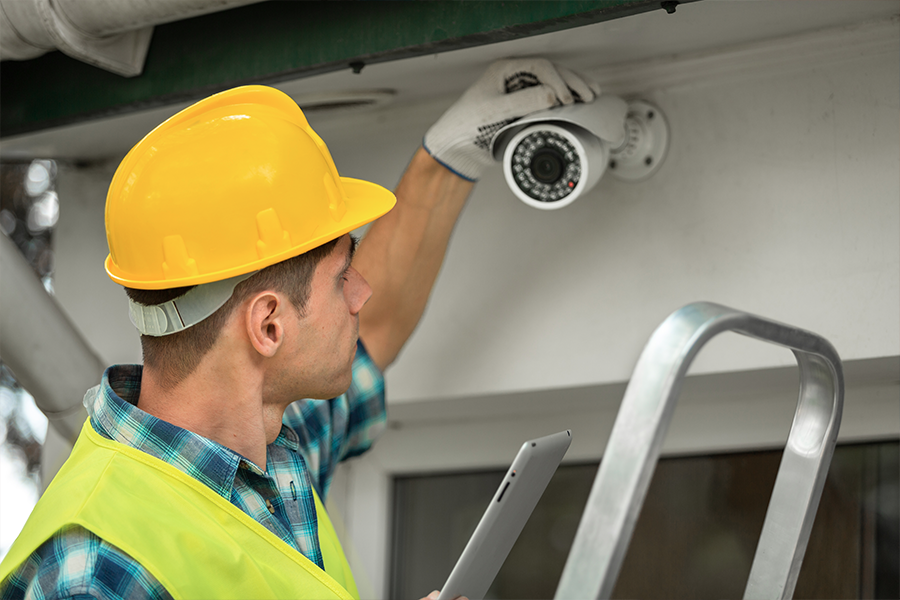

What Is a Video Surveillance System?
A video surveillance system is a camera and recording setup that helps a business monitor activity inside and outside the property. A complete system may include cameras, cabling, network equipment, recording hardware, remote viewing setup, and camera placement planning.
The right system can help business owners and managers review incidents, monitor entry points, improve accountability, and keep better visibility over areas that matter most.
CCTV Cameras for Commercial Properties
CCTV stands for Closed-Circuit Television. CCTV cameras are commonly used to monitor specific areas through a dedicated recording system. These systems are often used in commercial spaces where continuous visibility and recorded footage are important.
CCTV camera systems can be useful for:
- Entrances and exits
- Cash registers and payment areas
- Stock rooms and inventory shelves
- Hallways and common areas
- Loading docks and warehouse doors
- Parking lots and exterior access points
IP Cameras for Modern Business Surveillance
IP cameras use a network connection to send video data. For many businesses, IP cameras provide more flexibility than older camera setups because they can support higher-resolution video, remote viewing, easier expansion, and stronger integration with modern security systems.
IP camera systems may be a strong fit for businesses that need:
- Remote viewing from approved devices
- Clearer video quality
- Scalable camera coverage
- Network-based recording options
- Integration with access control or other systems
- Better visibility across multiple areas
CCTV vs. IP Cameras: Which Is Better?
The better option depends on your property, budget, wiring, camera locations, recording needs, and whether you need remote access or future expansion.
- CCTV cameras: Useful for dedicated closed-circuit recording and straightforward camera coverage.
- IP cameras: Better for network-based systems, remote access, scalability, and modern business security setups.
Many commercial properties benefit from IP-based systems, but not every business needs the same setup. We review your building and explain the practical options before installation.
Why Businesses Install Video Surveillance Systems
Video surveillance is not just about watching a screen. It helps businesses reduce blind spots, support investigations, monitor operations, and create a stronger security presence.
Common reasons businesses install surveillance include:
- Reducing theft and vandalism risk
- Reviewing incidents after they happen
- Monitoring entrances, exits, and restricted areas
- Protecting inventory and equipment
- Improving employee and customer safety
- Supporting liability and incident documentation
- Improving visibility over after-hours activity
Camera Placement Matters More Than Camera Count
More cameras do not automatically mean better security. The right placement is what matters. A business may have ten cameras but still miss the most important areas if the angles, lighting, and coverage are wrong.
We help identify the areas that need coverage, such as:
- Main entry doors
- Back doors and employee entrances
- Reception areas
- Cash handling areas
- Inventory and storage rooms
- Parking areas
- Loading docks
- Restricted rooms and access-controlled doors
Video Surveillance and Access Control Integration
Video surveillance becomes more powerful when it supports your access control strategy. Businesses often use cameras near doors, gates, employee entrances, and restricted areas so they can review footage when access events happen.
If your business also needs controlled entry, visit our access control systems page. Combining access control and surveillance can help you understand not only when a door was accessed, but also what happened around that access point.
Video Surveillance for Retail Stores
Retail businesses need visibility over entrances, checkout areas, stock rooms, aisles, and back doors. A properly designed camera system can help monitor customer traffic, employee-only zones, and inventory movement.
For retail stores, camera placement should avoid blind spots around high-value merchandise, payment areas, and back-room access.
Video Surveillance for Warehouses
Warehouses often need camera coverage for loading docks, inventory zones, equipment storage, employee entrances, parking areas, and delivery access points. Poor camera placement can make it difficult to review product movement or after-hours activity.
We help businesses plan camera locations based on how the warehouse actually operates.
Video Surveillance for Offices and Medical Buildings
Offices and medical buildings often need cameras at entry points, reception areas, hallways, supply rooms, records rooms, and parking areas. Camera placement should support security while respecting privacy and applicable rules.
For medical and office environments, surveillance planning should focus on public and operational areas, not private spaces.
Remote Viewing and Recording Options
Many modern surveillance systems allow authorized users to view cameras remotely, depending on the system and network setup. This can be useful for owners, managers, and security teams who need visibility after hours or across multiple areas.
Recording options may depend on the camera type, storage needs, retention period, resolution, number of cameras, and system design.
What To Consider Before Installing Cameras
Before installing a video surveillance system, your business should define what it needs to see and why. Installing cameras without a plan often creates blind spots and wasted hardware.
Important questions include:
- How many entrances and exits need coverage?
- Do you need indoor cameras, outdoor cameras, or both?
- Do you need night visibility?
- Do you need remote viewing?
- How long should footage be stored?
- Are there privacy-sensitive areas to avoid?
- Should cameras support access control or alarm response?
- Is the building ready for wiring or network-based cameras?
Professional Installation Matters
Camera installation is not just mounting equipment. A poor installation can create weak angles, glare, low-quality footage, network problems, recording failures, or cameras that do not capture usable evidence.
Professional installation helps reduce:
- Blind spots around doors and corners
- Wrong camera height or angle
- Poor visibility from backlighting or glare
- Weak night footage
- Bad cable management
- Network or recording problems
- Camera placement that misses faces or key activity
Video Surveillance System Service Areas
Millennium Locksmith provides video surveillance system installation in Austin and nearby communities, including:
Call for Video Surveillance Systems in Austin, TX
If your business needs better visibility, stronger evidence, and fewer security blind spots, Millennium Locksmith can help install the right video surveillance system for your commercial property.
📞 Call Now: (512) 481-7171
📍 Service Area: Austin, Round Rock, Pflugerville, Cedar Park, Buda, Kyle, San Marcos, Bee Cave, and Manchaca
🕐 Hours: Monday–Saturday 9 AM – 7 PM
